Ready to stand out?
Create your page now. Ready in minutes.
Create your pageFree to try, no credit card required


Trusted by individuals and businesses worldwide






















Design CSS box shadows visually. Adjust offset, blur, spread, and color. Layer multiple shadows, try presets, and copy the CSS code.
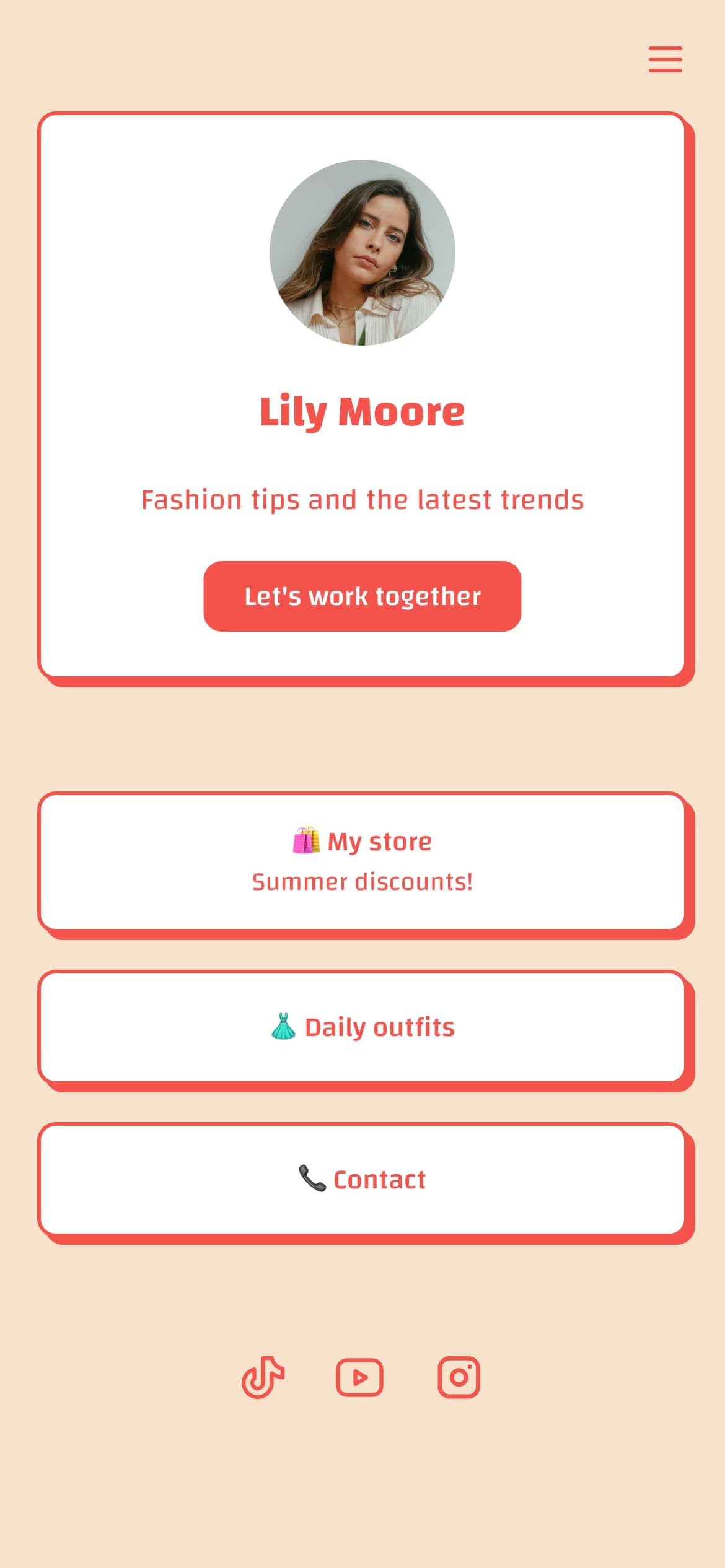
box-shadow: 5px 5px 10px 0px #00000040;The CSS box-shadow property adds shadow effects around an element. Shadows can be placed outside the element to create depth and elevation, or inside (using the inset keyword) to create pressed or embossed effects. Multiple shadows can be combined in a single declaration for layered, realistic results.
Box shadows are one of the most widely used CSS properties for creating visual hierarchy. Cards, buttons, modals, dropdowns, and navigation bars all benefit from well-crafted shadows that guide the user's eye and communicate depth.
The box-shadow property accepts the following values in order:
box-shadow: [inset] <x-offset> <y-offset> <blur> <spread> <color>;
rgba(0, 0, 0, 0.15)). Using transparency allows the background to show through for a natural look.Generate custom QR codes for URLs, text, emails, phone numbers, and WiFi networks.
Create professional digital contact cards (VCF files) to easily share your contact information.
Build beautiful CSS gradients with a visual editor. Linear, radial, and conic with live preview.
Check meta title and description length with a live Google SERP preview.
Upload an image and generate favicons in all standard sizes. Free, instant, no signup.
Preview how your content will look when shared on Twitter/X. Validate meta tags instantly.
Convert any text into clean, SEO-friendly URL slugs. Supports bulk conversion and options.
Format, validate, and minify JSON with syntax highlighting and tree view.
Encode text to Base64 or decode Base64 to text with full UTF-8 support.
Interactive 20-item checklist to optimize your link-in-bio page with progress tracking.
Generate unique, brandable business name ideas from your keywords and style preferences.
Generate high-converting call-to-action button text and supporting microcopy.
Score your headlines 0 to 100 and get tips to improve click-through rates.
Create professional invoices for free. Add line items, tax, and notes, then print or save as PDF.
Format customer testimonials into professional cards. 4 styles, copy as HTML or plain text.
Build responsive pricing tables for your website. 3 styles, feature lists, and CTA buttons.
Convert text into fancy Unicode fonts for Instagram, TikTok, Twitter, and other social media bios.
Count characters, words, and sentences with real-time social media platform limits.
Check if your Instagram hashtags are banned or restricted before posting.
Generate Open Graph and Twitter Card meta tags with live social media previews.
Build UTM-tagged campaign URLs for Google Analytics tracking.
Every social media image dimension in one place, always up to date.
Calculate your social media engagement rate for Instagram, TikTok, YouTube, and Twitter/X with benchmarks.
Create professional HTML email signatures with live preview. Multiple styles, free, no signup.
Generate harmonious color palettes using color theory. Complementary, analogous, triadic, and more.
Calculate image and video aspect ratios instantly. Find the right dimensions for any platform.
Check color contrast ratios for WCAG AA and AAA compliance. Ensure your text is accessible.
Generate a robots.txt file to control search engine and AI crawler access to your website.
Generate placeholder text in paragraphs, sentences, words, or list items. Instant, free.
Convert Markdown to clean HTML with a live side-by-side editor. Preview or copy the source.
Count words, characters, sentences, and paragraphs. Get readability scores and keyword density.
Calculate your Instagram engagement rate with benchmarks
Calculate your TikTok engagement rate with benchmarks
Calculate your YouTube engagement rate with benchmarks
Calculate your Twitter/X engagement rate with benchmarks
Create your page now. Ready in minutes.
Trusted by individuals and businesses worldwide